 For Creators and Anyone With Files
Meet Super Folders.
Squirrel now organizes by file type as well as date, so RAW, JPEG, video, archives, and project files land where they should automatically.
Turn on Super Mode and Squirrel builds the extra structure you were probably making by hand anyway. Keep the default simple date-based flow, or go deeper with customizable categories that match your workflow.
RAW into RAW. JPEG into Photo / Image. Video into Video. It just happens.
Rename, merge, split, or invent your own categories and file type rules.
If you prefer organizing by date only, that simple experience still stays the default.
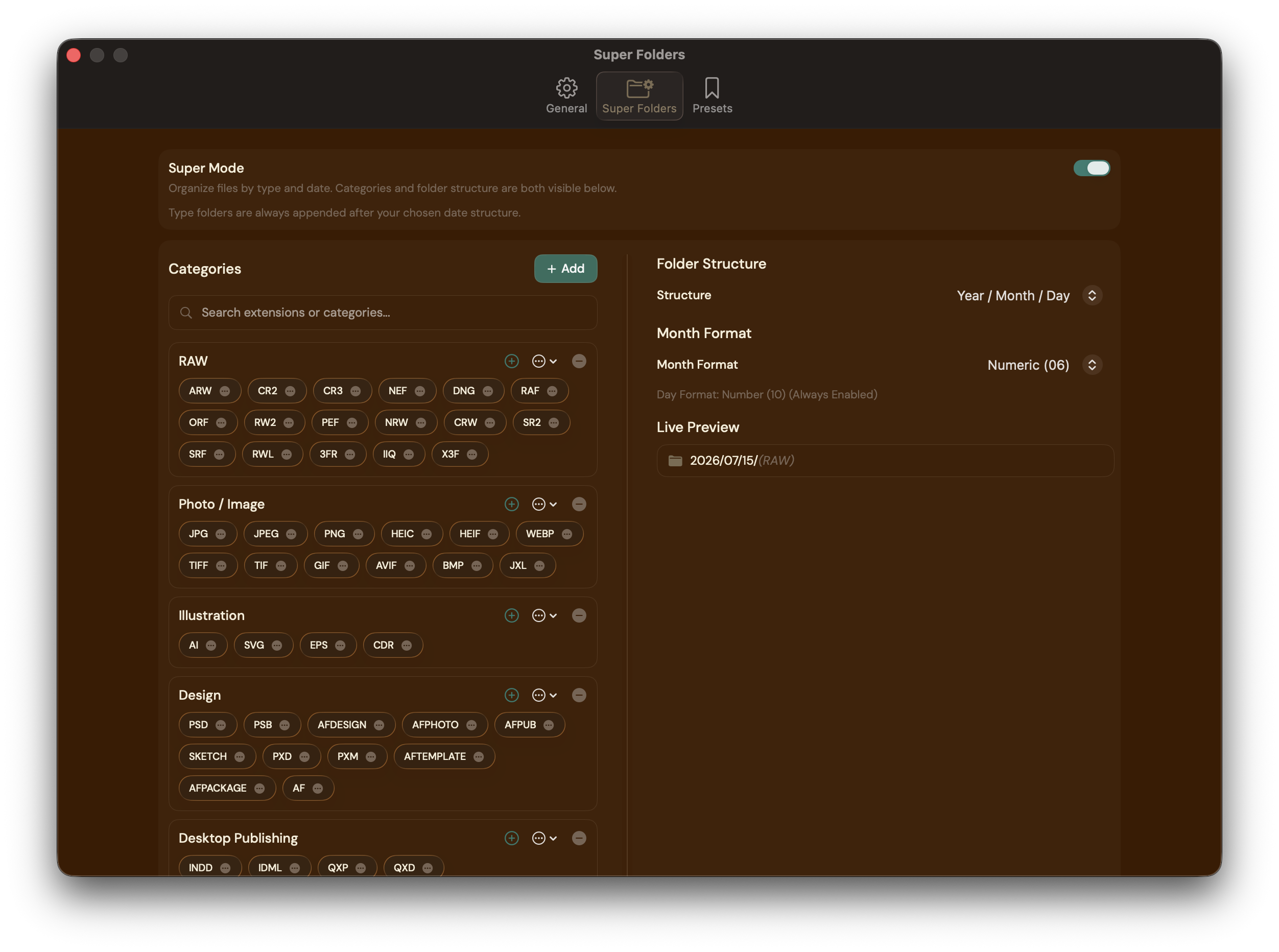
Create file-type folders automatically after the date-based sort is complete.
Make categories match your workflow instead of forcing your files into someone else’s.
Keep your original capture-date sorting, then let Super Folders split files into useful buckets automatically.
The feature exists because creators keep making RAW, JPEG, video, and project folders by hand after every import.
Merge categories, add custom file types, and shape the system around your own archive habits.
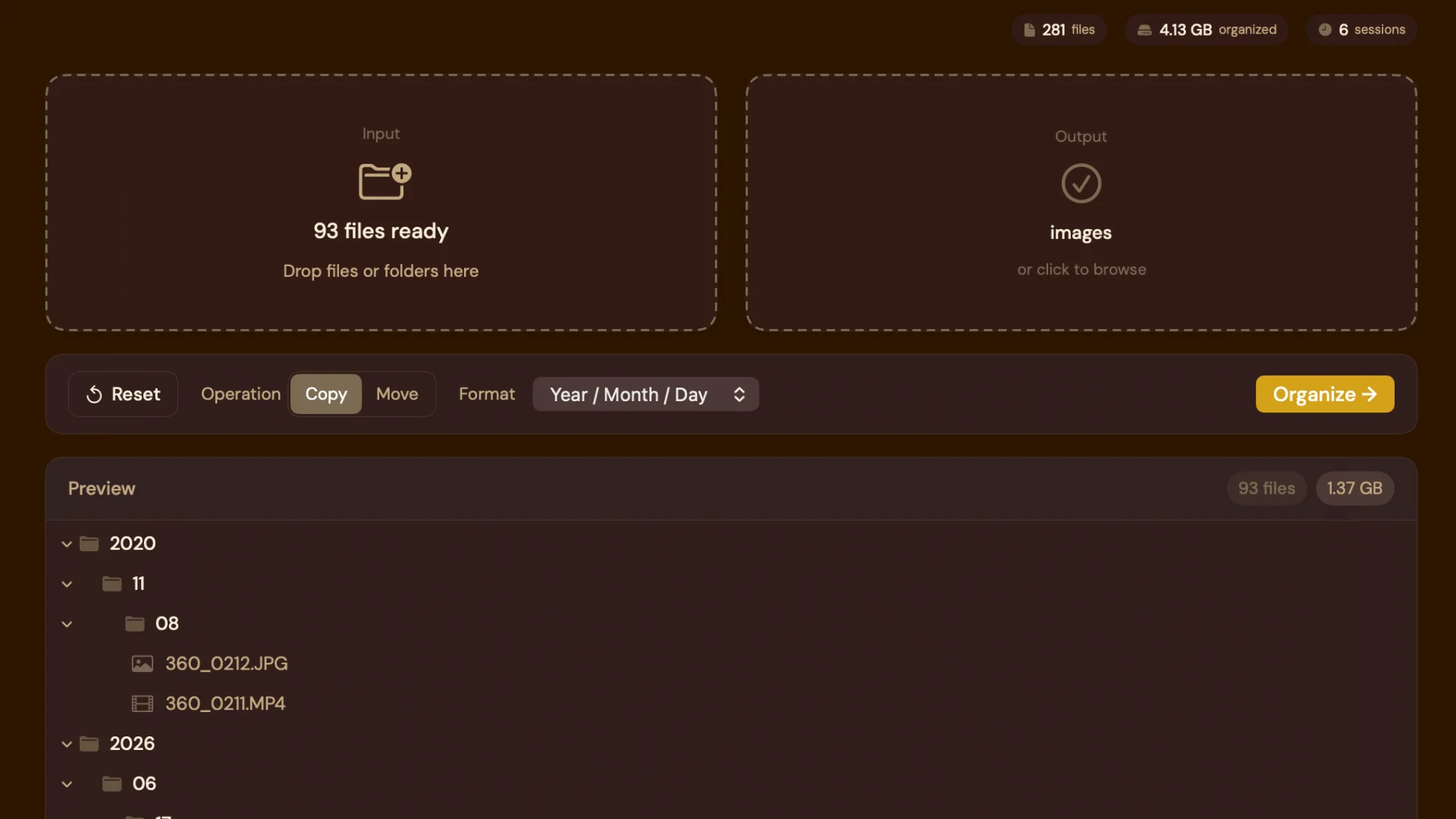
The folders you kept making by hand are now automatic.
After sorting by date, Squirrel can now create another layer of structure based on what the files actually are. RAW files can go one way. JPEGs another. Video somewhere else. Archives, documents, and project files too.
That means less dragging, less cleanup, and a result that feels finished the moment the organize pass completes.
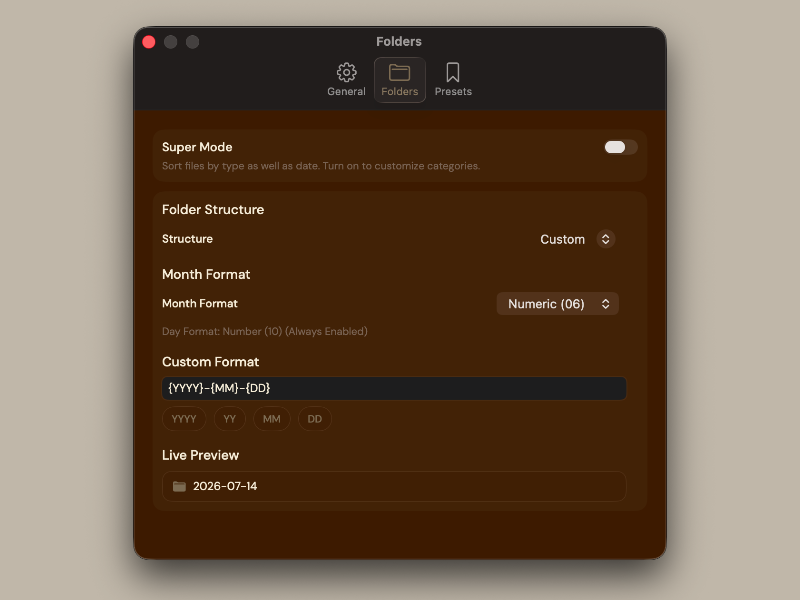
Customize it until it feels like yours.
Super Folders is not a locked preset. Rename categories. Merge them together. Split them apart. Add your own file types Squirrel has never seen before.
The point is not to force a system on you. The point is to give you a structure engine you can actually trust.
If you love simple date-based organization, nothing breaks.
The core Squirrel experience is still intact. Drop in files. Sort by the moment they were actually created. Preview the output. Organize with confidence.
Super Folders is there when you want to take the next step, not when you need to relearn the app.
Every file. Every format. Every time.
From RAW files to Logic sessions —
and everything in between.
One-time purchase. No subscription. Ever.