ZIP
Best for Claude
Claude Skill Package
Pre-built package for Claude, ready to upload directly to claude.ai.
 Free Native Mac App
QA tracking that never loses a pass. Free for every Mac developer.
Built for the vibe coding era, but it works with any workflow. Whether you are building with an AI coding assistant or the traditional way, PunchList gives you a fast, reliable way to track what is actually working.
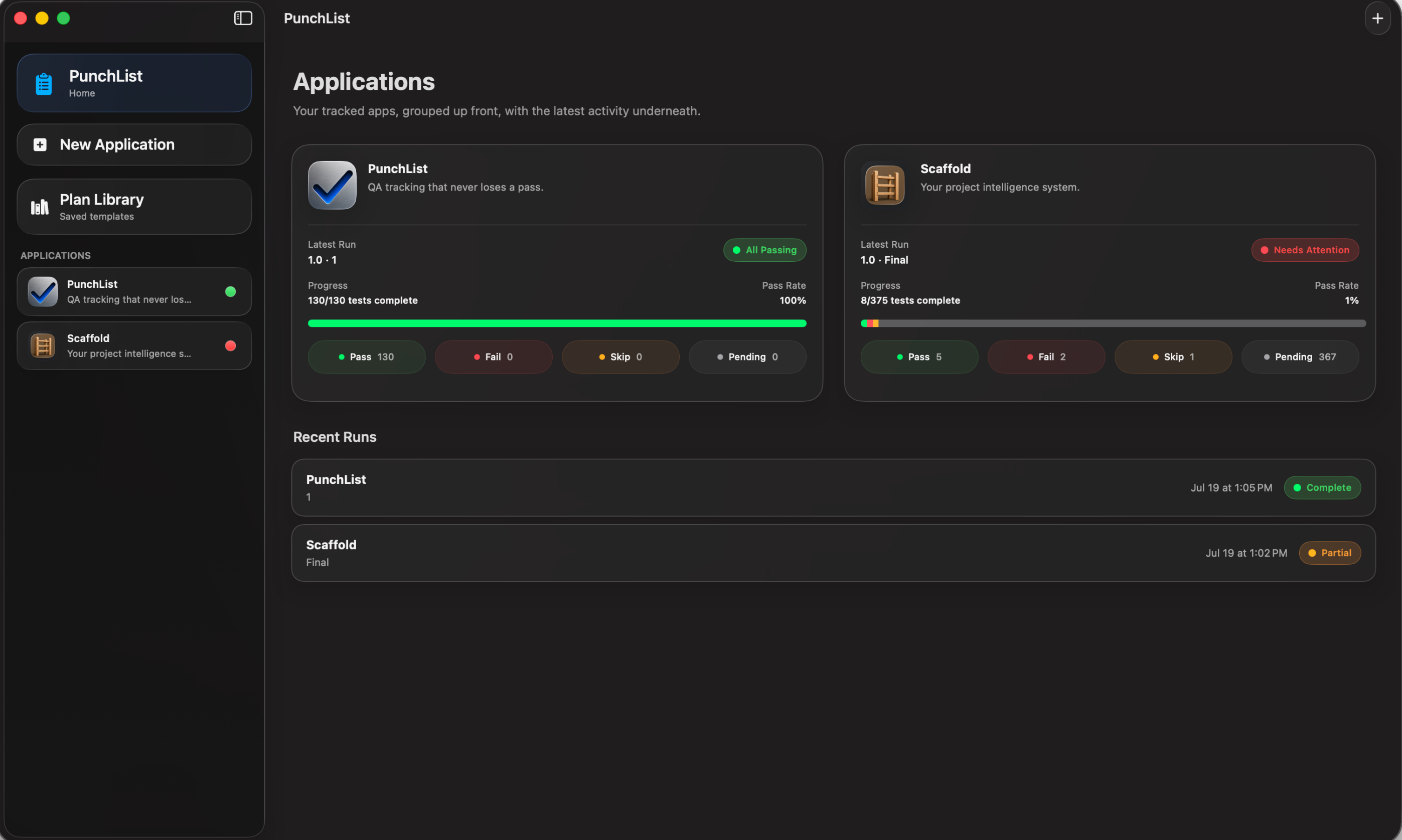
Mark Pass, Fail, Skip, or Pending without leaving the test list.
Attach failure evidence and running commentary where the test lives.
Use the included skill files to generate compatible QA plans in Claude, ChatGPT, OpenCode, or another assistant.
Every change saves automatically, so force-quit, crash, and normal quit do not wipe out your progress.
Generate a focused retest from failures and keep lineage back to the original run.
Describe your app to Claude, ChatGPT, or your favorite AI tool and ask it to write a QA plan. PunchList includes AI skill files that teach your assistant the exact format, no explaining required.
Prefer to write your own? A blank template is included too.
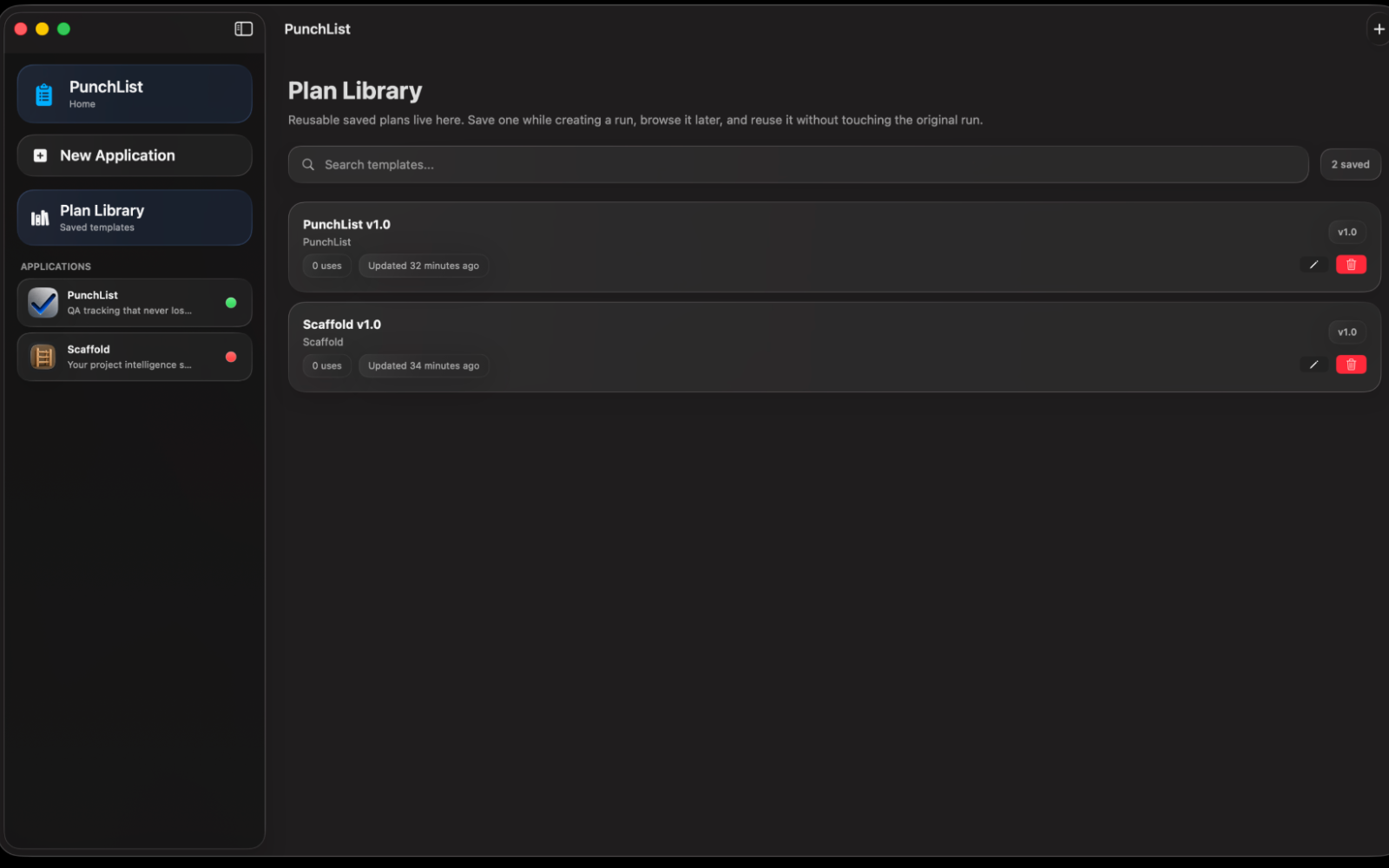
Mark tests Pass, Fail, Skip, or Pending with a single keypress. Navigate an entire test list quickly, then attach a screenshot to any failure by dragging it in, picking a file, or pasting from your clipboard.
Side Notes lets you jot running commentary on any test, at any time. The notes you would normally keep in a separate document now live right where the testing happens.
Every change saves automatically. Force-quit, crash, normal quit: your QA history survives all of it. That is the entire reason this app exists.
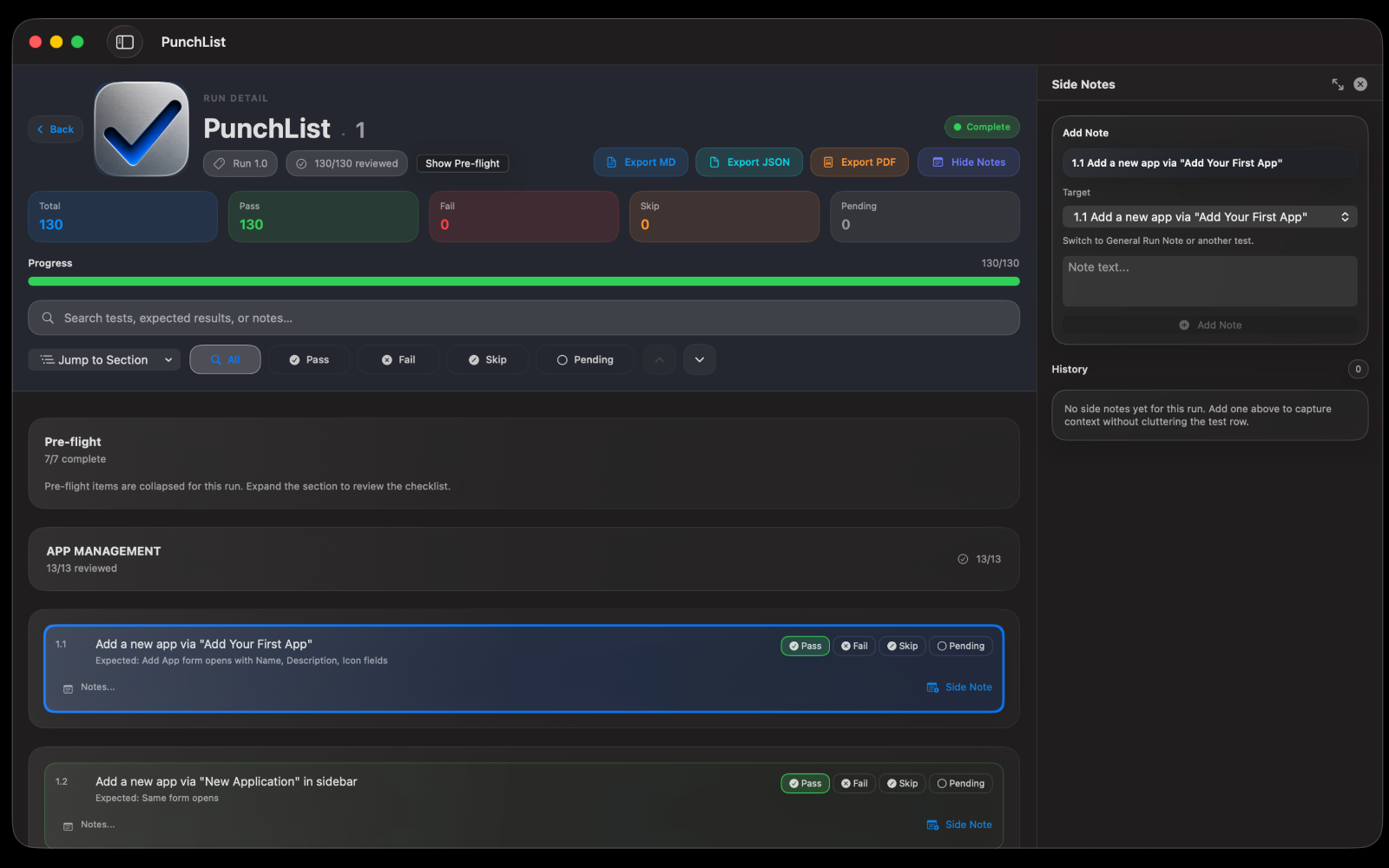
Generate a focused retest containing only the tests that failed. See exactly which run it came from, with a direct link back to the original. Nothing gets silently overwritten.
Markdown for a quick summary, JSON for a full data dump, or a polished PDF with your screenshots embedded, ready to hand off or file as a bug report.
The practical pieces needed for reliable QA runs.
Download the files that teach your AI assistant how to generate PunchList-ready QA plans, then import the finished plan into the app.
Pre-built package for Claude, ready to upload directly to claude.ai.
Plain instructions for ChatGPT, OpenCode, or any AI tool that accepts custom prompts.
A clean QA plan template for writing plans by hand or adapting your own workflow.
Install note: if Safari expands the Claude skill download into a folder, right-click the folder, choose Compress, and upload the resulting zip to Claude.
A genuinely free tool for Mac developers, built because losing a completed QA pass one too many times finally became one too many.
PunchList tracks what works before you ship.
Read the full PunchList guide