Squirrel 1.2 is live with Super Folders
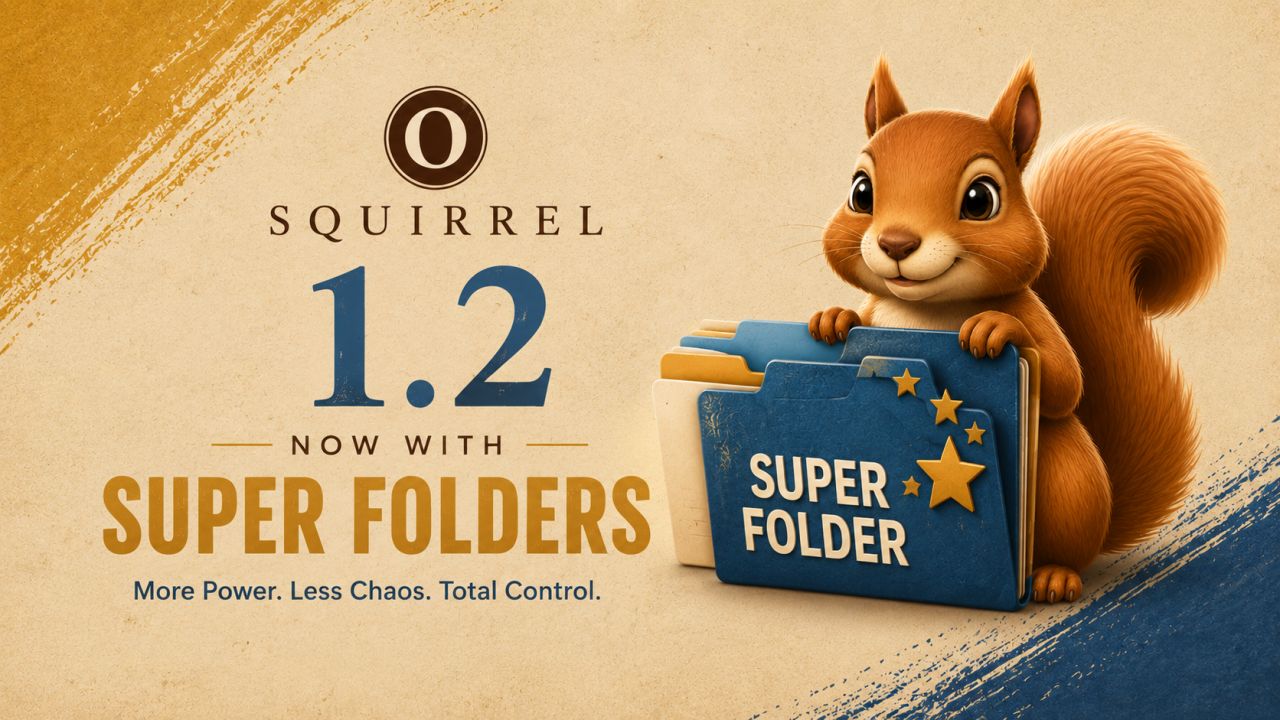
Today I’m excited to launch the biggest update to Squirrel since the app first shipped.
Introducing Super Folders.
When I built Squirrel, organizing files by date solved a problem I’d had for years.
But after the files were sorted, I’d find myself doing the same thing over and over again. I’d create a RAW folder. A JPEG folder. A Video folder. Maybe one for project files. Then I’d start dragging everything into place by hand.
Eventually I stopped and thought…
Why am I doing this? Squirrel already knows what these files are.
That simple question became one of the biggest features I’ve added to the app.
With Super Folders, Squirrel now organizes your files by type as well as date.
Turn on Super Mode and your RAW files automatically land in a RAW folder. JPEGs go into Photo / Image. Videos into Video. Archives into Archives. It just happens.
Of course, I couldn’t stop there.
Every category is completely customizable. Rename them. Merge them. Split them apart. Add your own categories. Add custom file types Squirrel has never seen before. Build an organization system that fits your workflow instead of forcing you into mine.
The part I’m happiest with is that none of this changes what makes Squirrel… Squirrel.
If you love the simplicity of organizing by date, nothing changes. That’s still the default experience. Super Folders is simply there when you want to take your organization to the next level.
I’m incredibly proud of how this feature turned out, and I’m excited to finally put it in everyone’s hands.
I’d love to hear what you think.